Forms
Forms Wizard Help Page – SwiftCRM contains a powerful forms generator wizard that makes it easy to create great looking, dynamic, powerful forms to add to any website. Continue reading
Reset / Change Password of Employee
Reset / Change Password of Employee Continue reading
Question: How to Retrieve Names We've Called
How to Retrieve Names We’ve Called – Help file – sort by call-attempt for leads management when working with dialer campaigns. Continue reading
How to Create Forms & iSignature Docs & Doc-Templates
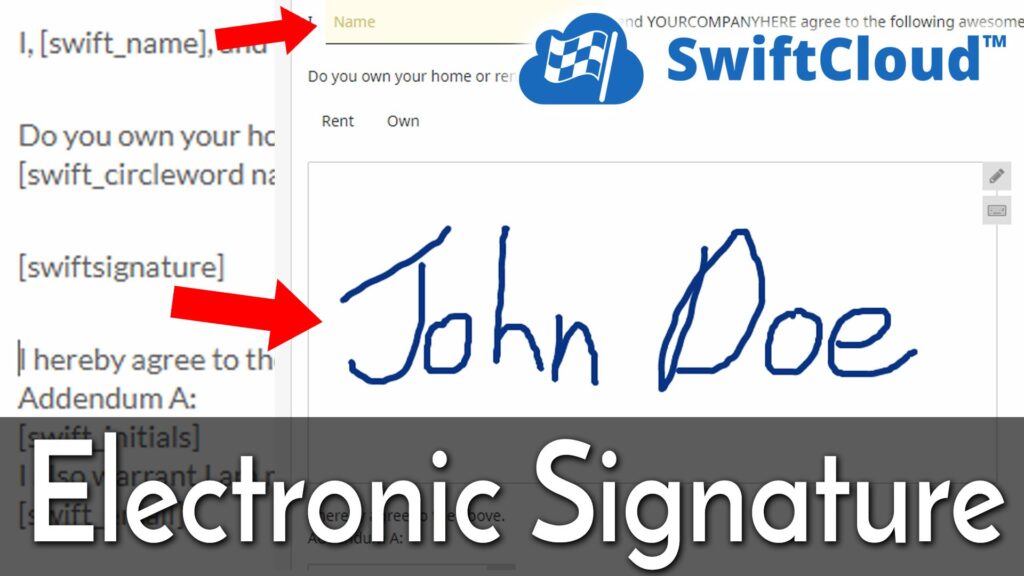
Overview of SwiftCRM’s document system, which includes iSignature electronic signature. This is often used for sales prosposals, invoices, intake forms, hiring procedures, etc. Continue reading
Why Webmail is Better
Why Webmail is Better – Solve email sync issues, work smarter. Continue reading
Switch to SwiftCRM
How to reduce your CRM costs, increase ROI, increase functionality by switching to SwiftCRM, your instant sales dashboard and company intranet. Continue reading
CSV Import
How to import Aged Leads into SwiftCRM, or migrate from competing systems to SwiftCRM hosted CRM software. Continue reading
How to Cancel a Product Subscription
Canceling a Subscription to a Product Requires Two Steps: We’ll cancel your subscription upon your request, but you need to login to paypal to ensure paypal doesn’t send us future payments! It’s easy. Canceling on our side, and canceling on the payment management system, currently Paypal as of April 2010. To cancel on our side is easy – just notify us by emailing help [at] SwiftCRM [dot] com. To cancel on the paypal side, please… Login to https://Paypal.com – using your paypal login and password. We don’t have this (and never should!) for your financial security. Click “Lost Password” if you need to have your password emailed to you. Navigate to My Account >> History subtab (here – https://history.paypal.com/US/cgi-bin/webscr?cmd=_history ) Navigate to “More Filters >> Subscriptions & Agreements >> Subscriptions” Find the subscription to Gendesic Inc. and click Details Click “Cancel Subscription” This will ensure no further billing takes place. If you are simply changing products (upgrading or downgrading), you can then proceed back to the CRM and just subscribe to any product like a new client and it will instantly be enabled. You won’t need to change your settings or create a new account, provided you use the “Admin >> My Products” screen to order. If you’re leaving us, taking just 2 minutes to know about how we can increase your business can help you make more money. In some cases, we can solve an “upstream” problem – for example, our online videos are great, but only if you … Continue reading
Help >> Subscription Expired
How to fix a “Subscription Expired” message so it doesn’t happen again. Continue reading
Problem: Autoresponder Sending with Wrong Account Info
Problem: Autoresponder Sending with Wrong Account Info: Solution: Be sure 2 settings are correct; one within Admin >> General Settings (outgoing email SMTP or Gmail Account), and that the Autoresponder Message is set to “My Pipeline Only” Continue reading